Senior Digital Literacy
Made Simple
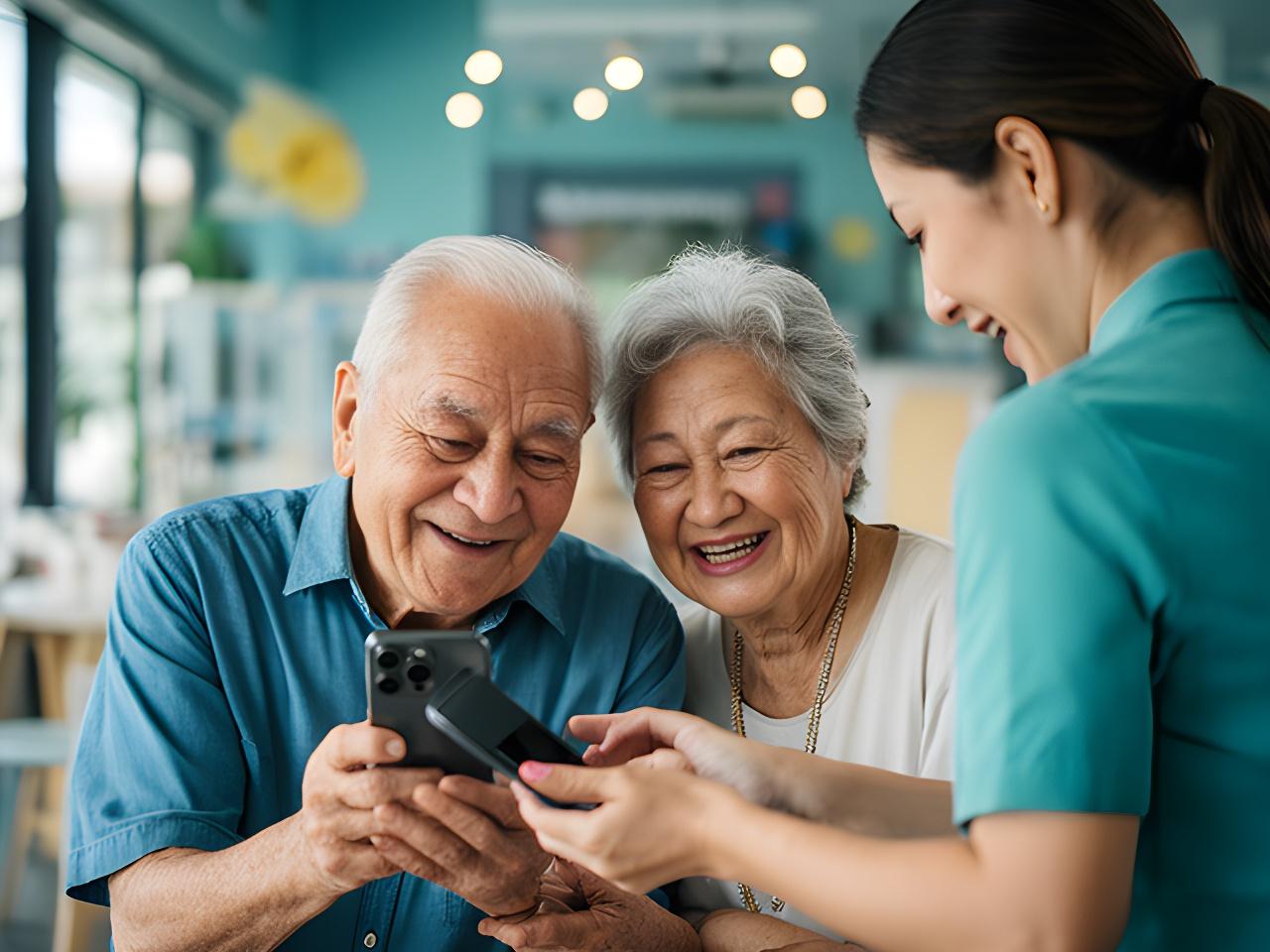
We help Singapore seniors gain real confidence with smartphones, computers, and everyday digital tasks. Patient, hands-on training in English—no jargon, no rush, and no need to ask your grandchildren for help every time.
Beginner-Friendly Courses for Everyday Life
Practical, step-by-step training built around what you actually need—messaging family, browsing the web, managing photos, and staying safe online. No experience required.
Smartphone Foundations
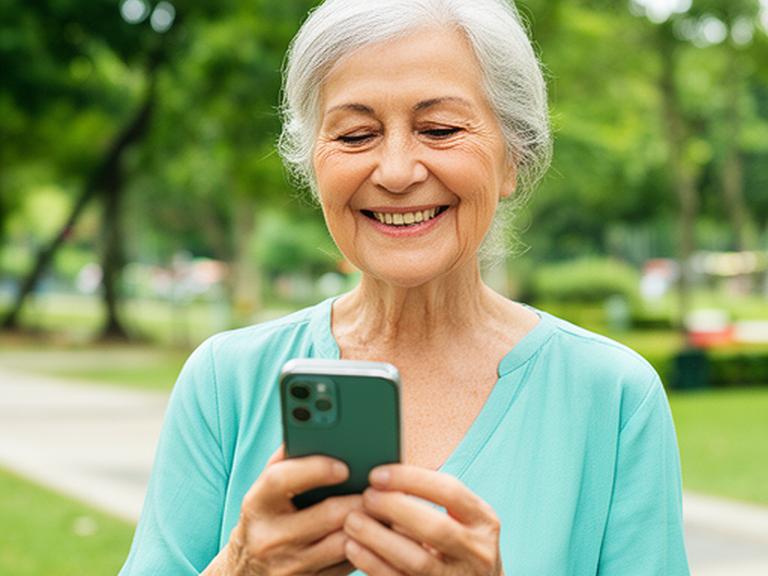
From switching on your device to sending your first WhatsApp message. We cover touchscreen basics, contacts, messaging apps, photo sharing, and app downloads—all at your pace.
4 sessions · 2 hours each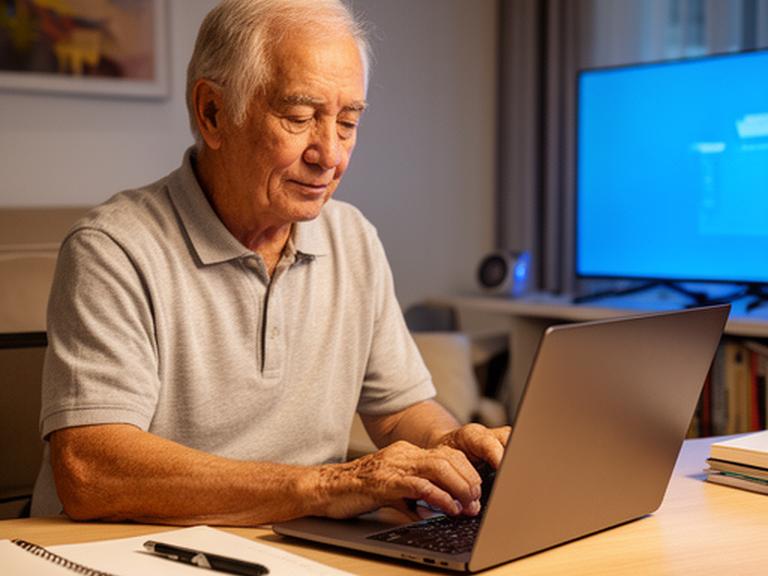
Computer & Laptop Essentials
Master the mouse and keyboard, organise files and folders, send email attachments, browse safely, and handle online forms. Designed for those new to Windows or Mac.
6 sessions · 1.5 hours eachOnline Safety & Scam Awareness
Spot phishing, create strong passwords, secure your accounts, and use banking apps safely.
Photos, Maps & Everyday Tools
Take and share photos, use maps for directions, scan documents, and manage cloud backups.
Video Calls & Family Connection
Set up Zoom and WhatsApp video calls, join group chats, and stay connected with grandchildren.
Smartphone Skills for Communication & Connection
The most requested mobile skills for older adults in Singapore—taught with patience and plenty of hands-on practice.
WhatsApp Setup & Group Chats
Install WhatsApp, add contacts, create family groups, send photos and voice messages, and manage notifications so you never miss a message from your grandchildren.
Video Calling with Family
Make video calls using WhatsApp and Zoom. We'll show you how to start a call, switch cameras, mute yourself, and add multiple family members to the same call.
Facebook & Social Media Basics
Set up a Facebook account safely, find friends and family, share updates and photos, and adjust privacy settings so you control who sees what.
Managing Contacts & Calendar
Add, edit, and organise contacts. Use the calendar app to set reminders for appointments, medical check-ups, and family gatherings—never miss an important date again.
Sending Photos & Media
Take clear photos, attach them to WhatsApp messages, share albums with family, and save received photos to your phone gallery without accidentally deleting them.
Device Settings & Personalisation
Adjust text size for easier reading, change ringtone and volume, connect to Wi-Fi, manage battery life, and personalise your phone so it works the way you want.
Safe Online Services, Payments & Government Access
Singapore's digital services are convenient—but only when you know how to use them safely. We train seniors to handle mobile banking, QR payments, Singpass, and government e-services with confidence.
Singpass & Government E-Services
Access CPF, HDB, LTA, and healthcare portals. Book appointments, check statements, and submit online forms.
QR Code Payments & Mobile Banking
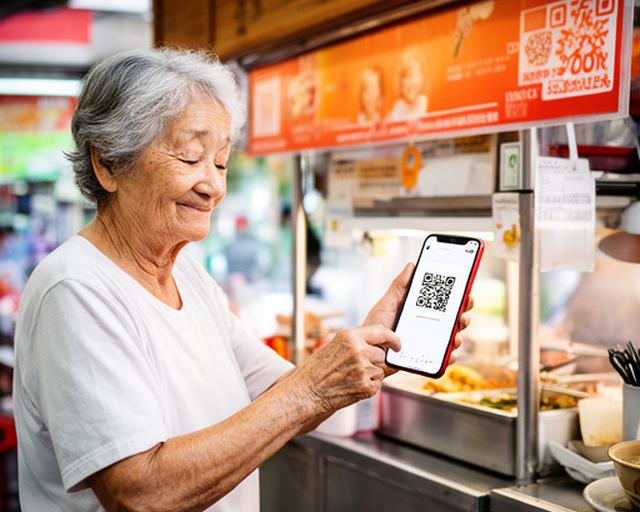
Use PayNow, scan QR codes at hawker centres and shops, check bank balances, and transfer money securely.
Scam Awareness & Phishing Detection
Recognise suspicious messages, avoid phone scams, verify caller identities, and report fraud attempts confidently.
Password & Account Security
Create memorable but strong passwords, enable two-factor authentication, and manage privacy settings across apps.
Computer & Laptop Basics for Daily Tasks
Slow-paced, practical coaching for seniors who want to feel comfortable using a computer—whether it's for email, documents, or staying organised.
Mouse, Keyboard & Typing Skills
Get comfortable with left-click, right-click, double-click, scroll, and drag-and-drop. Practise typing with simple exercises until it feels natural.
File & Folder Organisation
Learn to create folders, save documents where you can find them, move files, and understand the difference between 'Save' and 'Save As'.
Email Attachments & Communication
Attach photos and documents to emails, download attachments from others, reply to messages, and organise your inbox without getting overwhelmed.
Simple Spreadsheets & Online Forms
Fill in basic spreadsheets for expense tracking, understand online submission forms, and complete e-registrations for medical or community services.
Photos, Apps, Maps & Everyday Phone Tools
The little things that make a big difference—using your smartphone for daily convenience, independence, and staying in touch with what matters.
Taking & Sharing Photos
Use your phone camera with confidence. Share pictures via WhatsApp, save them to albums, and back them up so you never lose precious memories.
Maps & Transport Apps
Find your way with Google Maps, check bus arrival times, plan MRT routes, and use ride-hailing apps to get around Singapore independently.
Cloud Backup & Storage
Understand what the cloud is, back up your photos and contacts, and free up space on your phone without losing important files.
Downloading & Updating Apps
Find and install new apps safely from the app store, update existing apps, and remove ones you no longer use to keep your phone running smoothly.
App Permissions & Privacy
Control what each app can access—camera, microphone, location, contacts—and revoke permissions for apps that don't need them.
Document Scanning & QR Codes
Scan documents with your phone camera, use QR codes for SafeEntry-style check-ins, and digitise paper records for easy access anytime.
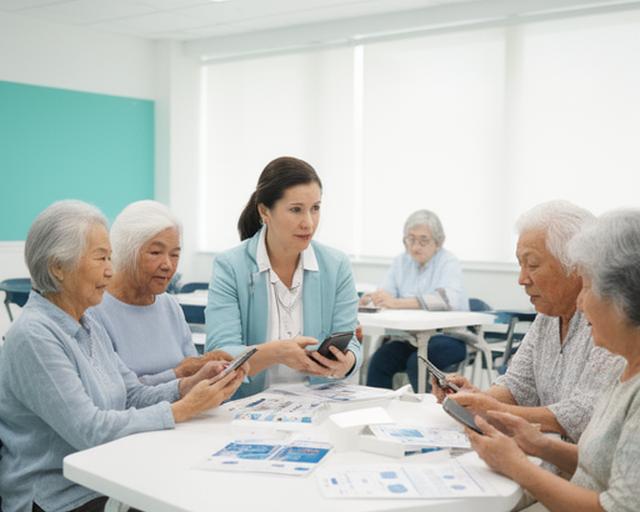
One-on-One Coaching & Small Group Lessons
We believe the best learning happens when there's no pressure. That's why our sessions are built around you—your pace, your questions, your goals.
Personal One-on-One Coaching
Individual attention means we go exactly at your speed. Perfect for seniors who feel anxious about technology or have specific goals like learning WhatsApp or Singpass.
Small Group Classes (4–6 Seniors)
Learn alongside peers in a friendly, supportive environment. Small groups mean everyone gets help when they need it—no one is left behind.
Hands-On, Practice-First Approach
We don't do long lectures. Every session is built around doing—pressing buttons, trying features, making mistakes, and learning by repetition until it sticks.
Refresher Courses After a New Device
Just bought a new smartphone? We offer short refresher sessions to help you transfer data, learn the new interface, and get back up to speed quickly.
Why Seniors in Singapore Choose Us
Real stories from older learners who've built confidence, connected with family, and gained independence through our courses.

“I used to be so scared of pressing the wrong button. After just two sessions, I can WhatsApp my daughter in Perth and even join the family group chat. The coach was so patient—never made me feel silly for asking the same question twice.”
Mdm Tanjaya Ist, 68, retired teacher

“My son bought me an iPhone but I didn't know how to use half the features. Now I check my CPF on Singpass, pay hawker stall with PayNow, and video-call my grandchildren every Sunday. My son says I've become a tech expert!”
Mr. Harjeet Soong, 72, retired engineer

“I needed to learn email for volunteering with my community club. The small group class was perfect—we all encouraged each other, and the trainer checked on each of us one by one. I can now send attachments and reply to emails without panicking.”
Mdm Venice Padamu, 65, community volunteer

“After retiring, I felt a bit left behind. Learning to use Facebook and WhatsApp brought me back in touch with old army friends I hadn't spoken to in 15 years. The course gave me a whole new social life.”
Mr. Wilbert Gurdaspur, 70, retired logistics manager
Seniors trained since 2019
Would recommend to a friend
Years of combined teaching experience
About Fong & Farid Learn Digital
We're a Singapore-based technology education provider dedicated to one mission: helping older adults build the digital skills they need for everyday life. Located at Wholesale Centre, we've been working with seniors across the island who want to stay independent, connected, and safe in an increasingly digital world.
Our teaching philosophy is simple—no jargon, no rushing, and absolutely no assumption that you should already know something. We start from where you are, whether that's never having touched a smartphone or just needing a refresher after upgrading your device.
What drives us is seeing that moment when a senior sends their first WhatsApp message, makes their first video call to family overseas, or checks their CPF balance on Singpass without asking for help. That independence changes lives.
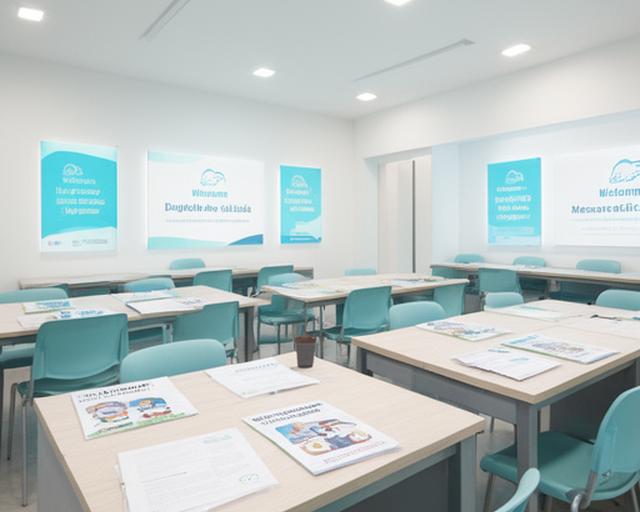
Who These Courses Are For
If any of these sound familiar, you're in the right place. Our courses are built specifically for…
Complete Beginners
Never used a smartphone or computer before? That's absolutely fine. We start from the very basics—switching on the device, understanding the screen, and building from there.
Retirees Wanting Better Family Connection
Stay close to children and grandchildren through WhatsApp, video calls, and photo sharing. Learn the tools that make distance feel smaller.
Seniors Needing E-Service Support
Access Singpass, government portals, healthcare apps, and online banking. Handle life admin independently without waiting for family to help.
Cautious Learners Concerned About Safety
Worried about scams or pressing the wrong thing? We teach safety from day one—so you can explore with confidence, knowing what to avoid and why.
Returning After a Long Break
Had a phone or computer before but stopped using it? We'll help you refresh your skills and catch up with what's changed—no judgement, just support.
Anyone Seeking Digital Confidence
You don't need a specific goal. Some seniors just want to feel more confident with technology in general. We'll help you discover what's possible.
Ready to Get Started? Let's Talk.
Whether you're ready to enrol, have a few questions, or want to discuss which course fits best—we're just a phone call or email away. Take the first step towards mastering essential digital skills for daily living.
Visit Us
Wholesale Centre
Singapore 117606